

Church History Publications
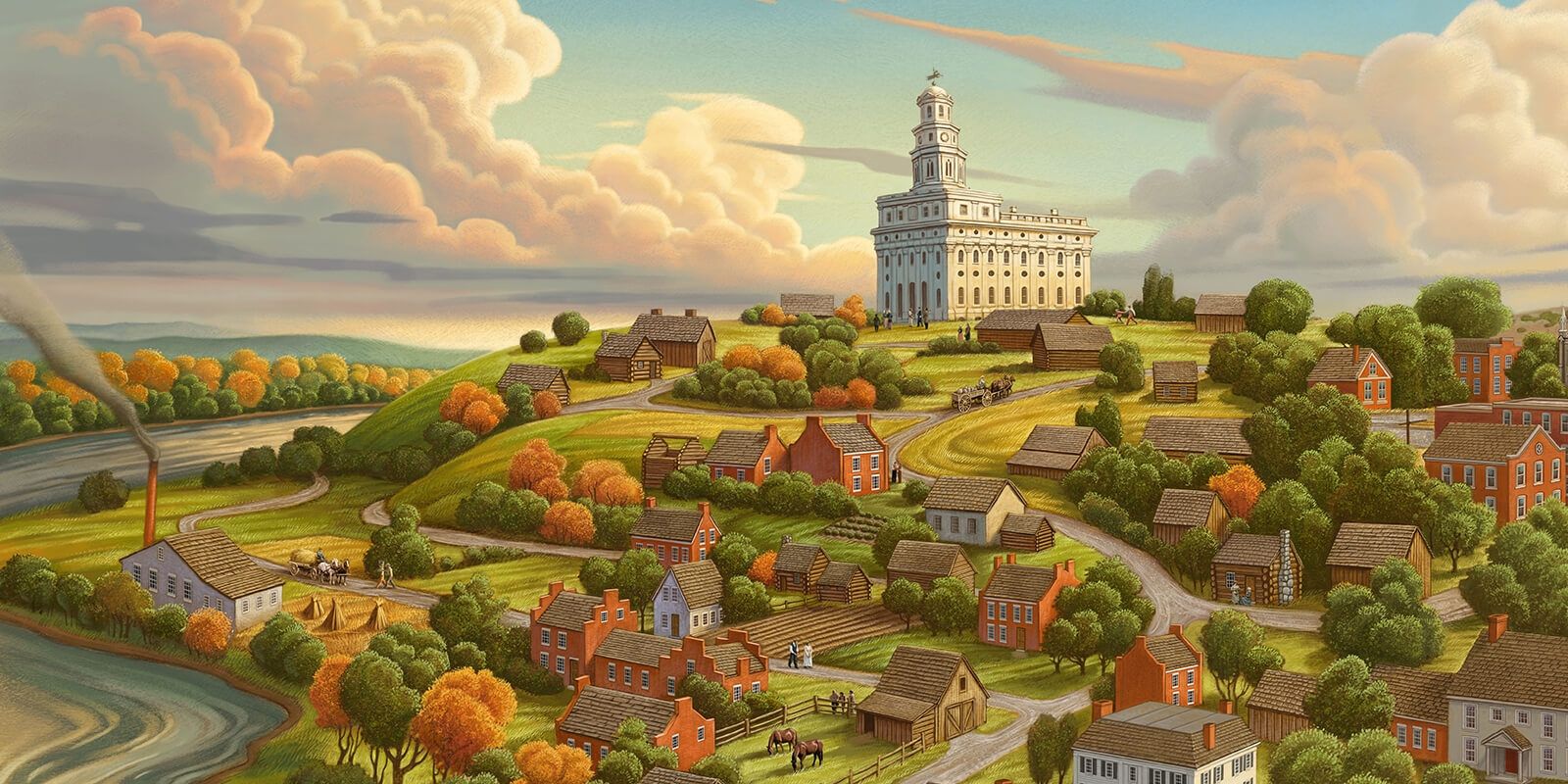
Saints: The Story of the Church of Jesus Christ in the Latter Days
Read the inspiring true story of the Restoration in this new, four-volume narrative history.
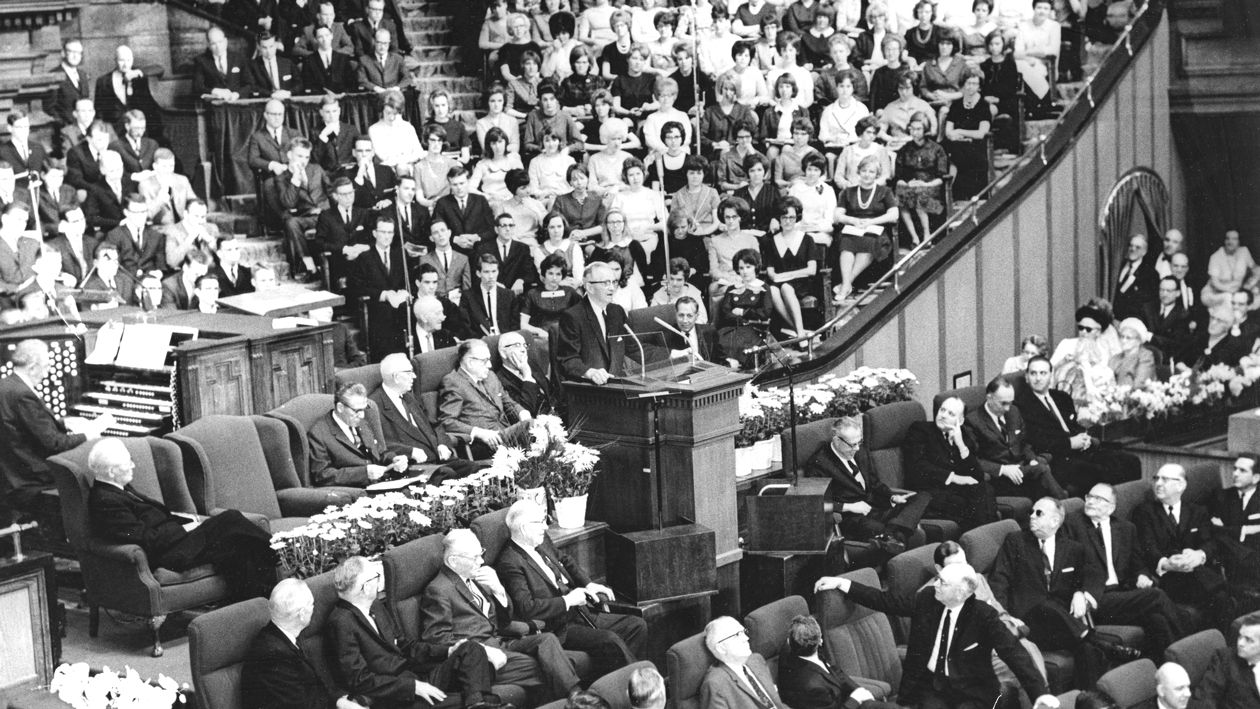
Prophets of the Restoration
Learn more about the life and ministry of each President of the Church.
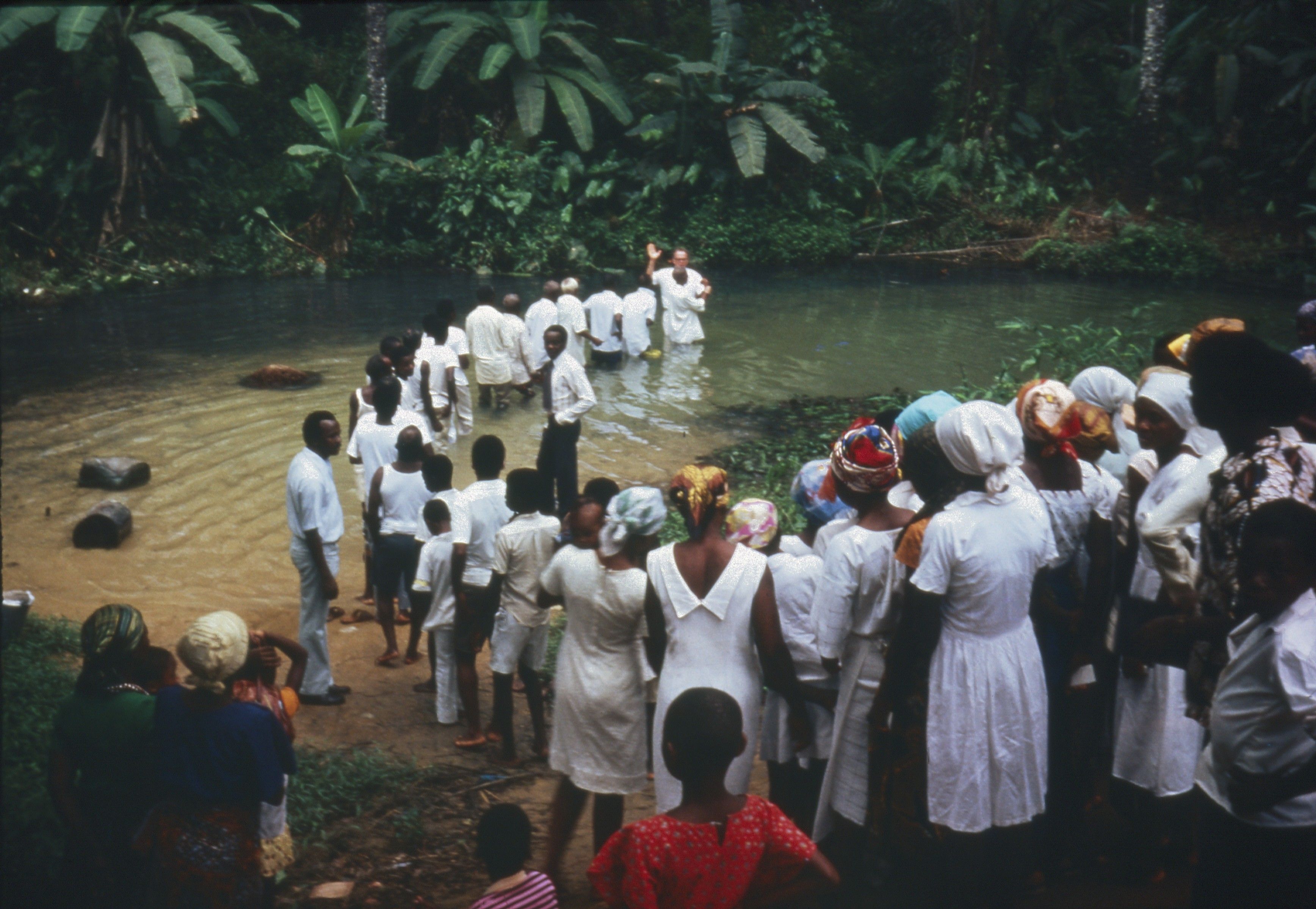
Global Histories
Learn about the establishment and progress of The Church of Jesus Christ of Latter-day Saints in every land.
Revelations in Context
Discover the stories behind the sections of the Doctrine and Covenants.
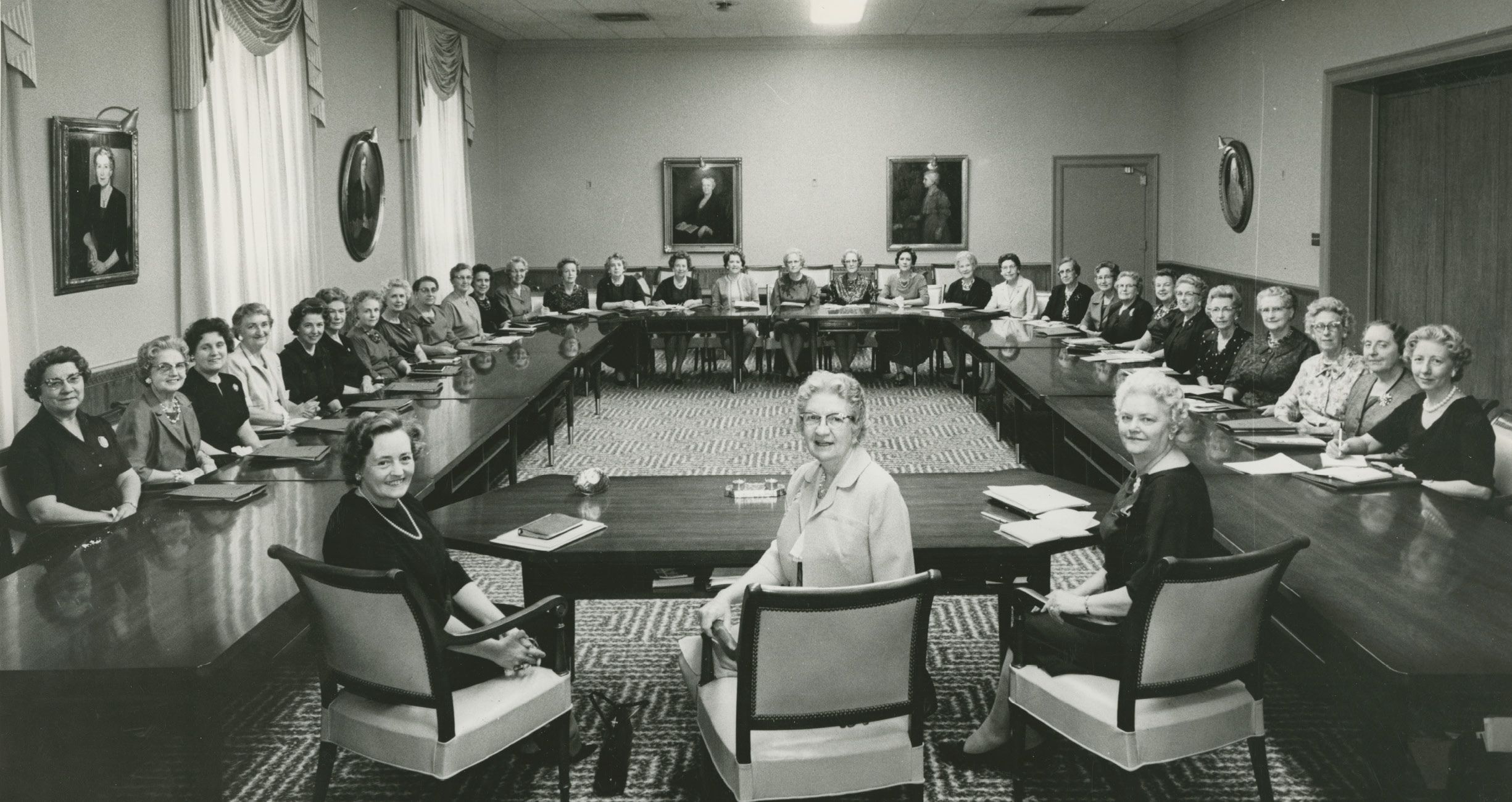
Women of Conviction
Discover powerful discourses by Latter-day Saint women from Lucy Mack Smith to Linda K. Burton in this new book and companion website.
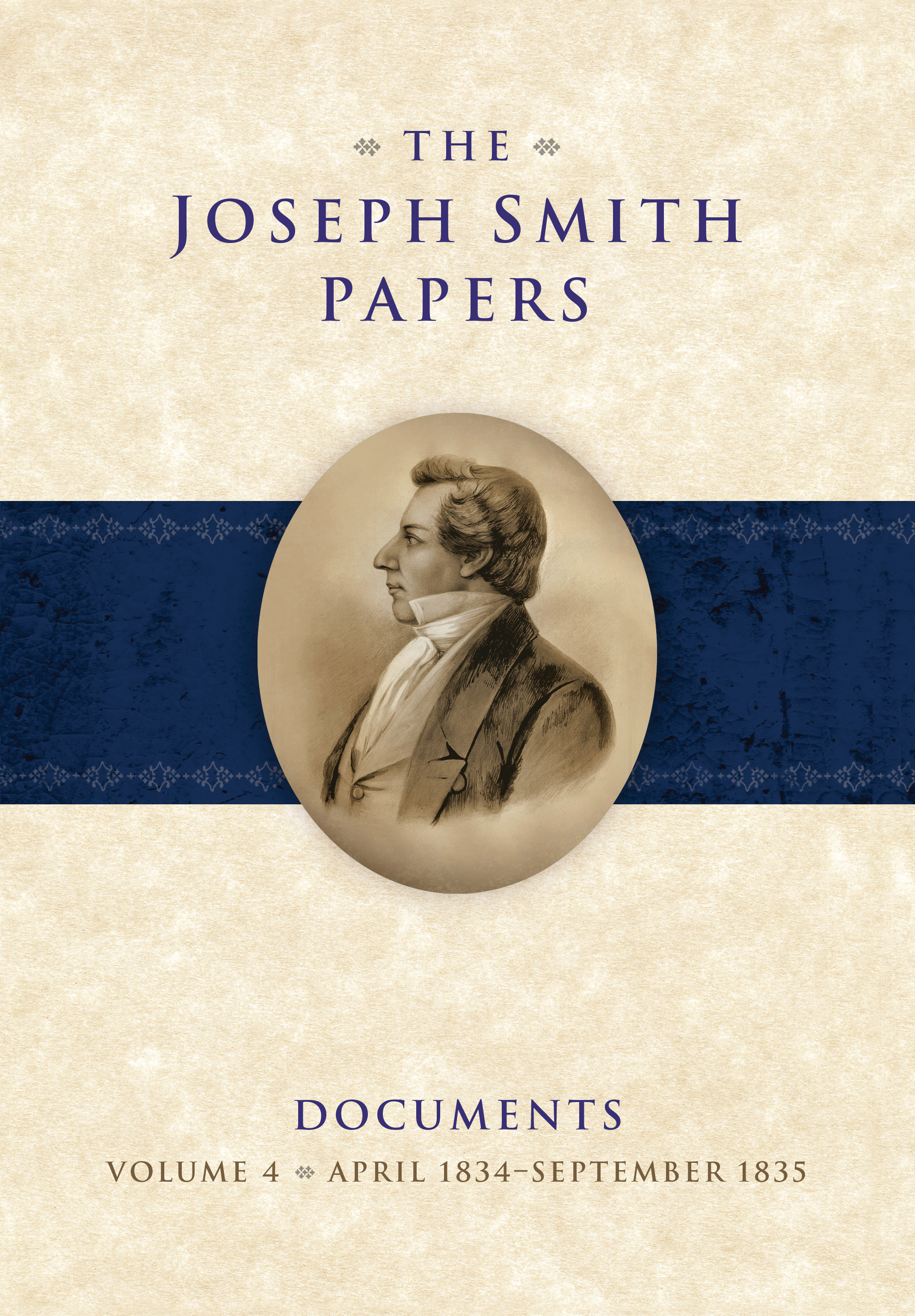
Joseph Smith Papers
Search thousands of transcripts, notes, and references.
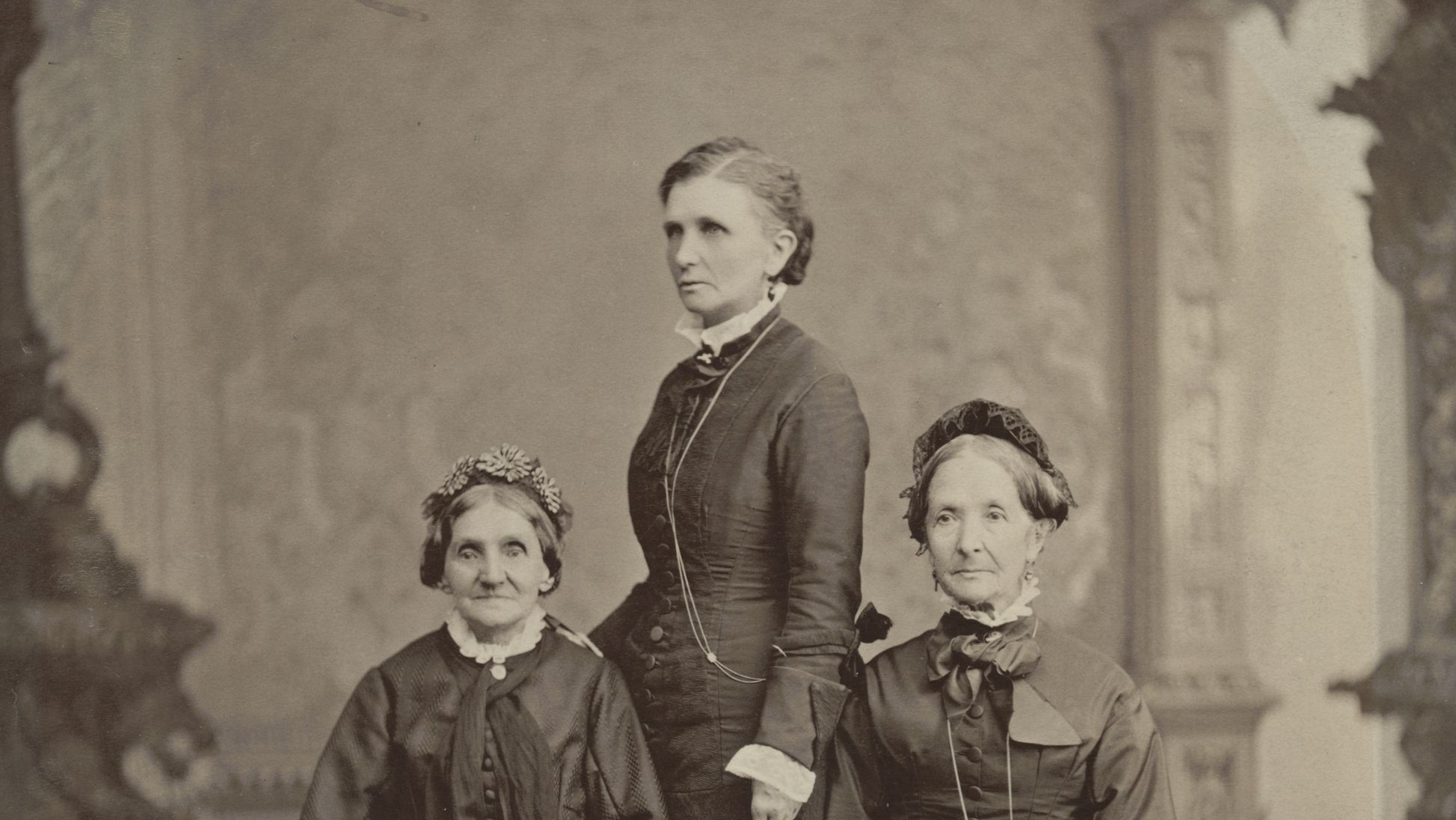
Church Historian’s Press
At the Pulpit features 54 talks given by Latter-day Saint women from 1831 to 2016, with selections from every decade since the founding of The Church of Jesus Christ of Latter-day Saints.
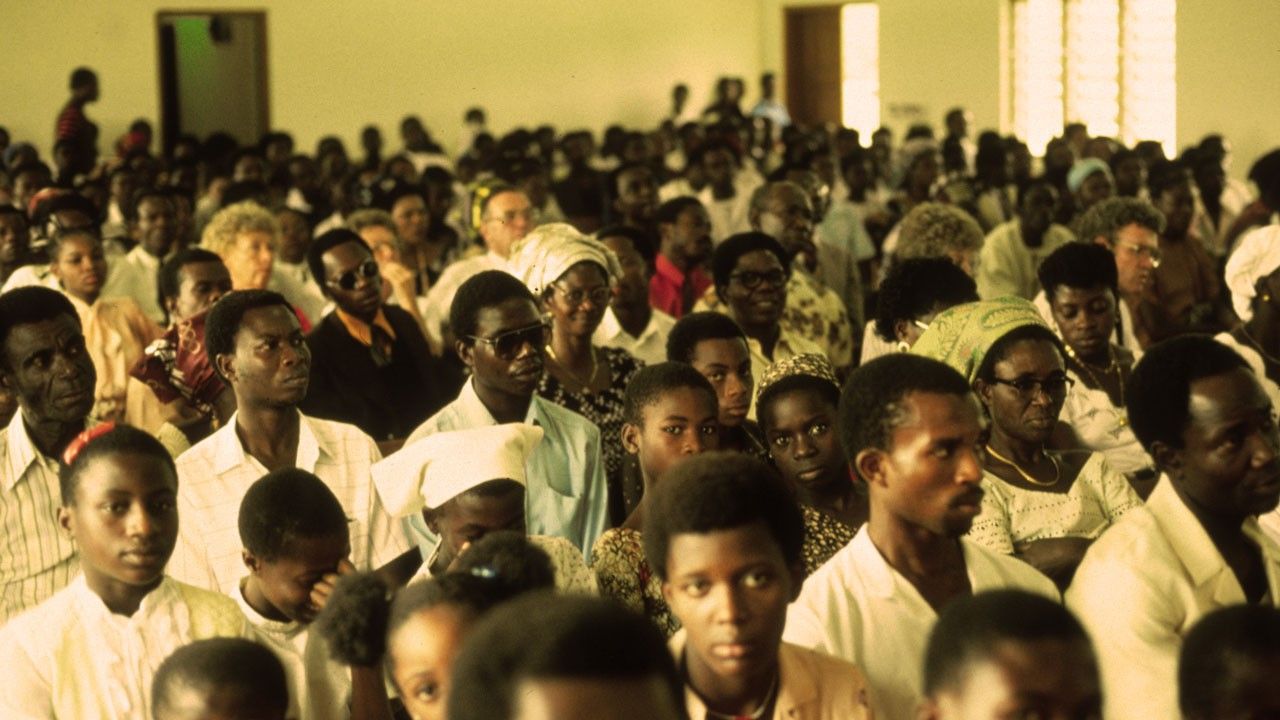
Pioneers in Every Land

Joseph Smith: Prophet of God
Learn about the life and mission of Joseph Smith and read witnesses of his calling as prophet.
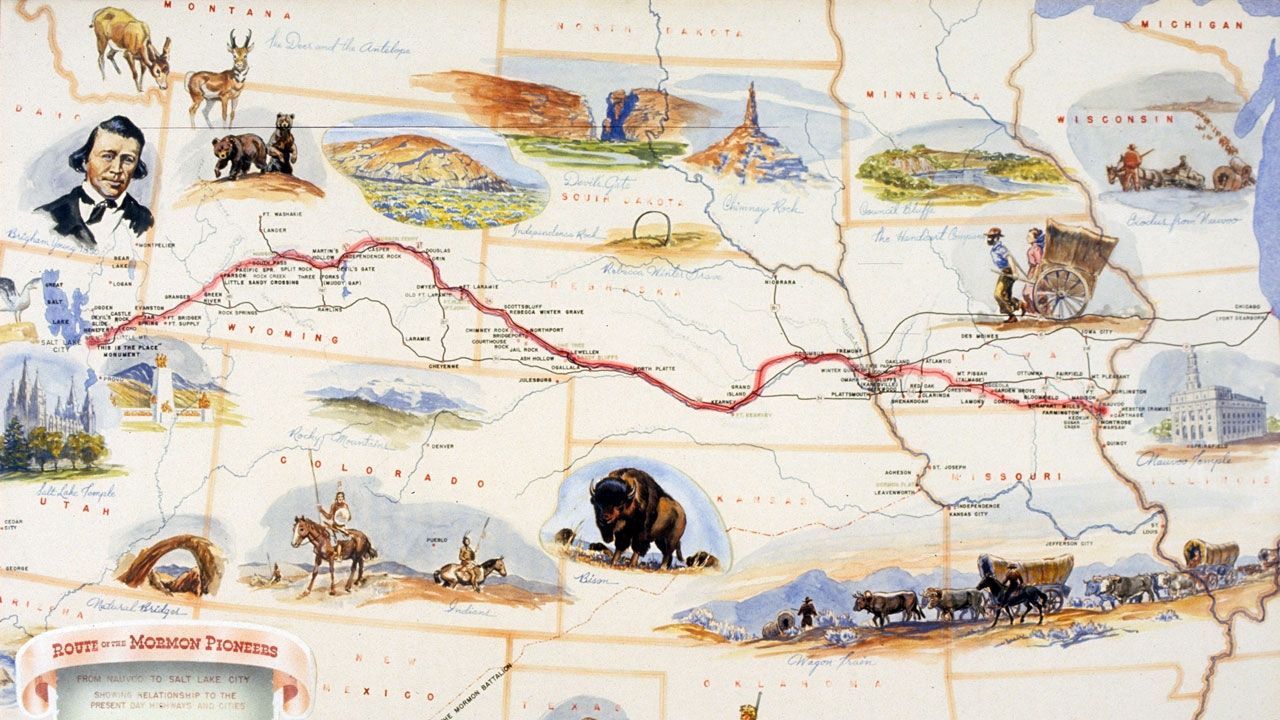
The Trek West
Locations along the Trail
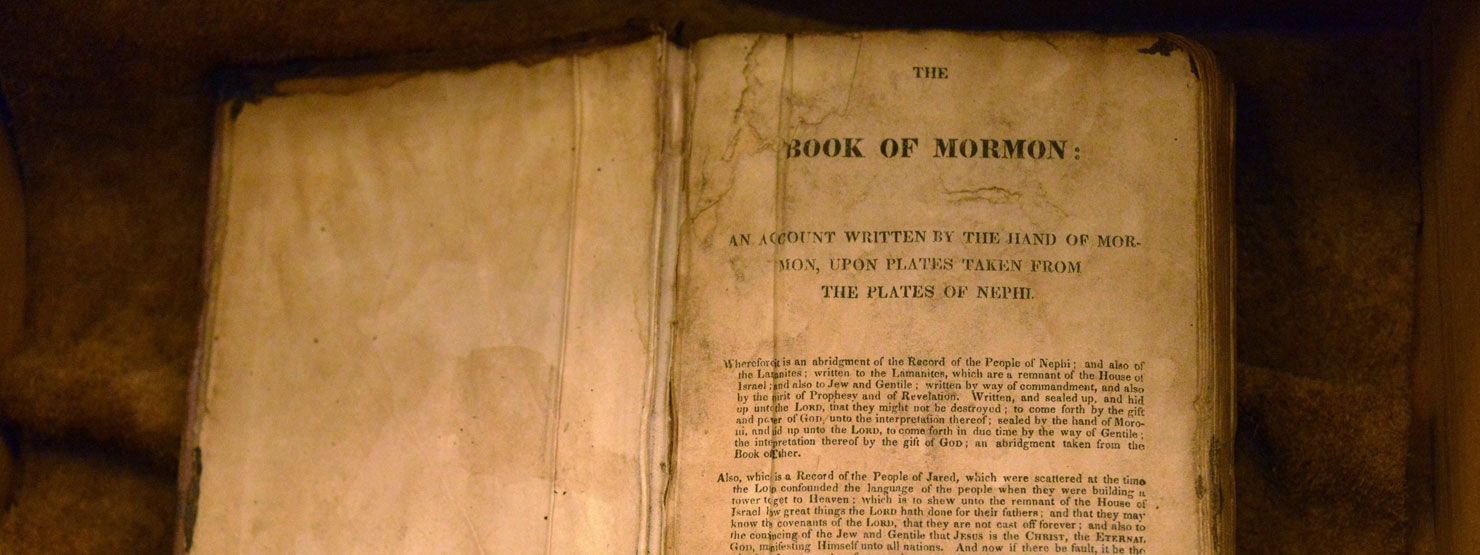
Treasures of the Collection
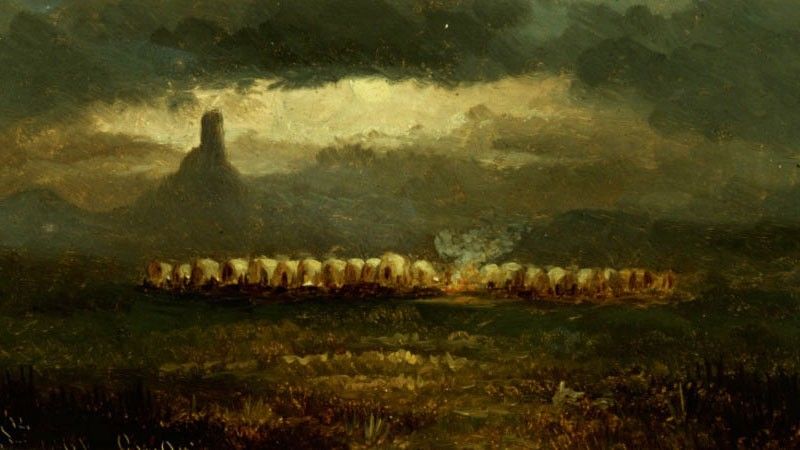
Perspectives on Church History
Prophets of the Restoration
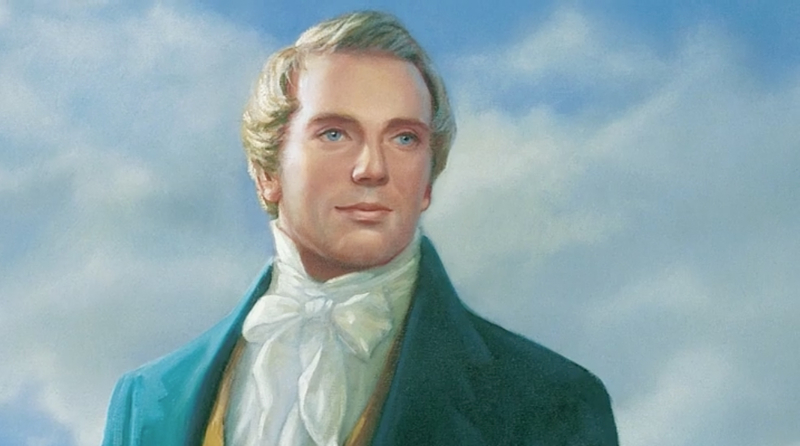
Joseph Smith Jr. (Apr. 1830–June 1844)
“Joseph Smith, the Prophet and Seer of the Lord, has done more, save Jesus only, for the salvation of men in this world, than any other man that ever lived in it. . . . He lived great, and he died great in the eyes of God and his people.”
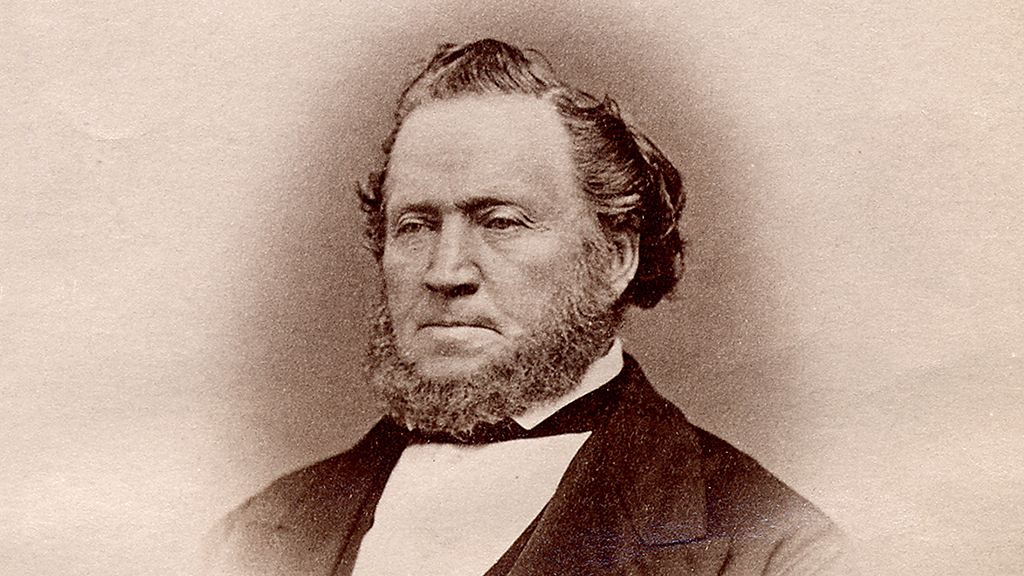
Brigham Young (Dec. 1847–Aug. 1877)
A friend and defender of the Prophet Joseph Smith, Brigham Young was prepared to lead the Saints following the Prophet’s death. As a visionary leader he led the Saints to the Great Basin, where their temples and way of life became “an ensign to the nations.”
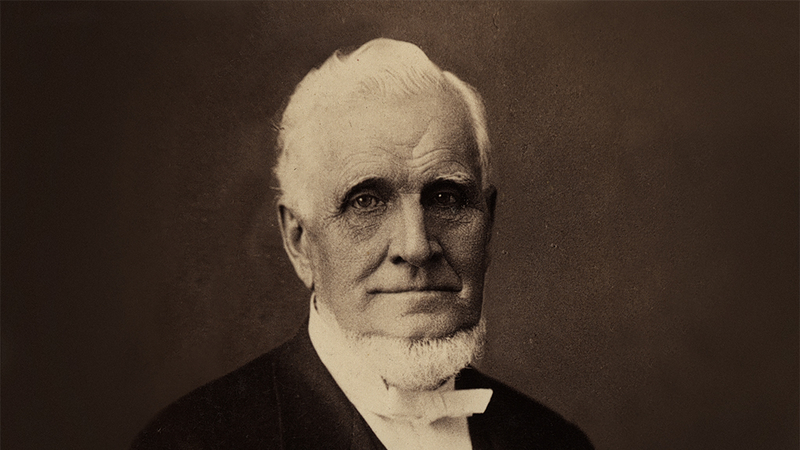
John Taylor (Oct. 1880–July 1887)
Always sensitive to the things of God, John Taylor acted upon the promptings he received. He was a faithful missionary, gifted writer, and compassionate leader. His faith in God was an example to all he served.
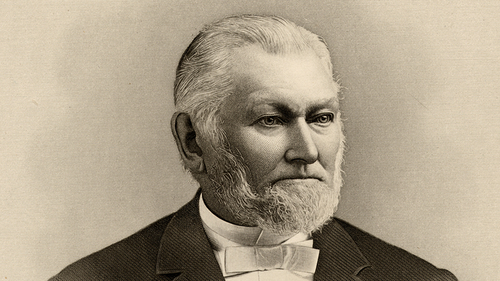
Wilford Woodruff (Apr. 1889–Sept. 1898)
One of the greatest record keepers in the Church’s history, Wilford Woodruff was also a terrific missionary and defender of the Church. His commitment to the gospel allowed him to lead the Church through turbulent times.
Lorenzo Snow (Sept. 1898–Oct. 1901)
Born before the First Vision, Lorenzo Snow lived to lead the Church into the 20th century. He was a visionary, an intrepid missionary, and a leader committed to his people in their needs.
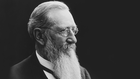
Joseph F. Smith (Oct. 1901–Nov. 1918)
Joseph F. Smith never feared defending the kingdom of God and expounding the doctrines of Christ’s restored Church. He provided a clear understanding of the nature of the Godhead, the origins of man, and the redemption of the dead.

Heber J. Grant (Nov. 1918–May 1945)
Raised by his widowed mother and her Relief Society sisters, Heber J. Grant came to embody the goodwill, strong work ethic, and personal discipline Latter-day Saints are known for today. He helped the Saints love the commandments and participate more fully in the Lord’s work.

George Albert Smith (May 1945–Apr. 1951)
Born of a faithful heritage, George Albert Smith had a desire to represent it well. He spent a lifetime trying to improve himself and encouraging others to do the same. He wanted to please God with his efforts to care for the poor and needy and lift them from despair.
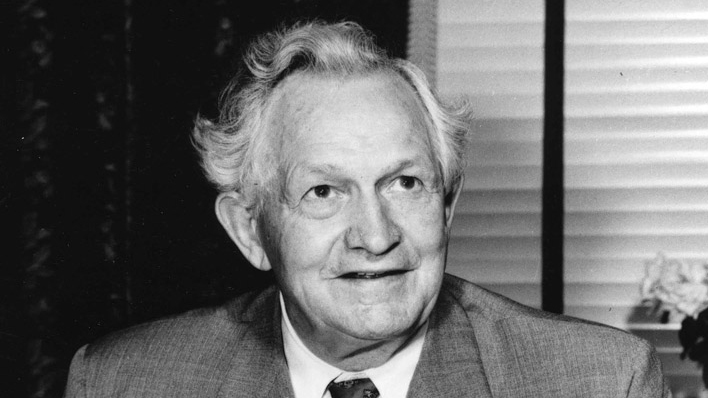
David O. McKay (Apr. 1951–Jan. 1970)
David O. McKay understood and expounded the importance of a strong home and family. He taught that every member of the Church should be a missionary and an example of following Christ.

Joseph Fielding Smith (Jan. 1970–July 1972)
From an early age, Joseph Fielding Smith developed a great love of the scriptures and of his family. Over 60 years as an Apostle and 2 years as prophet, he helped others anchor their lives in goodness.
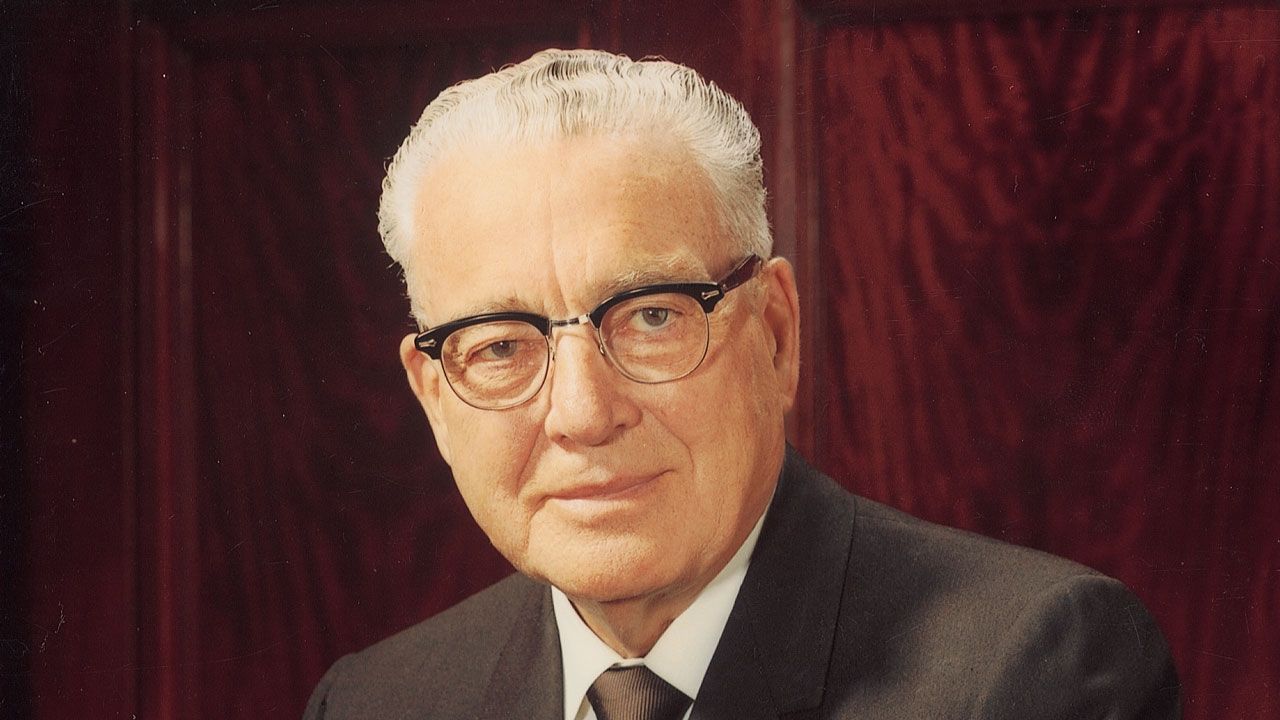
Harold B. Lee (July 1972–Dec. 1973)
As a young stake president, Harold B. Lee provided care for the poverty-stricken members of his stake. Later he oversaw the development of the Church’s welfare program. Through his teachings he also provided spiritual nourishment to the members of the Church.
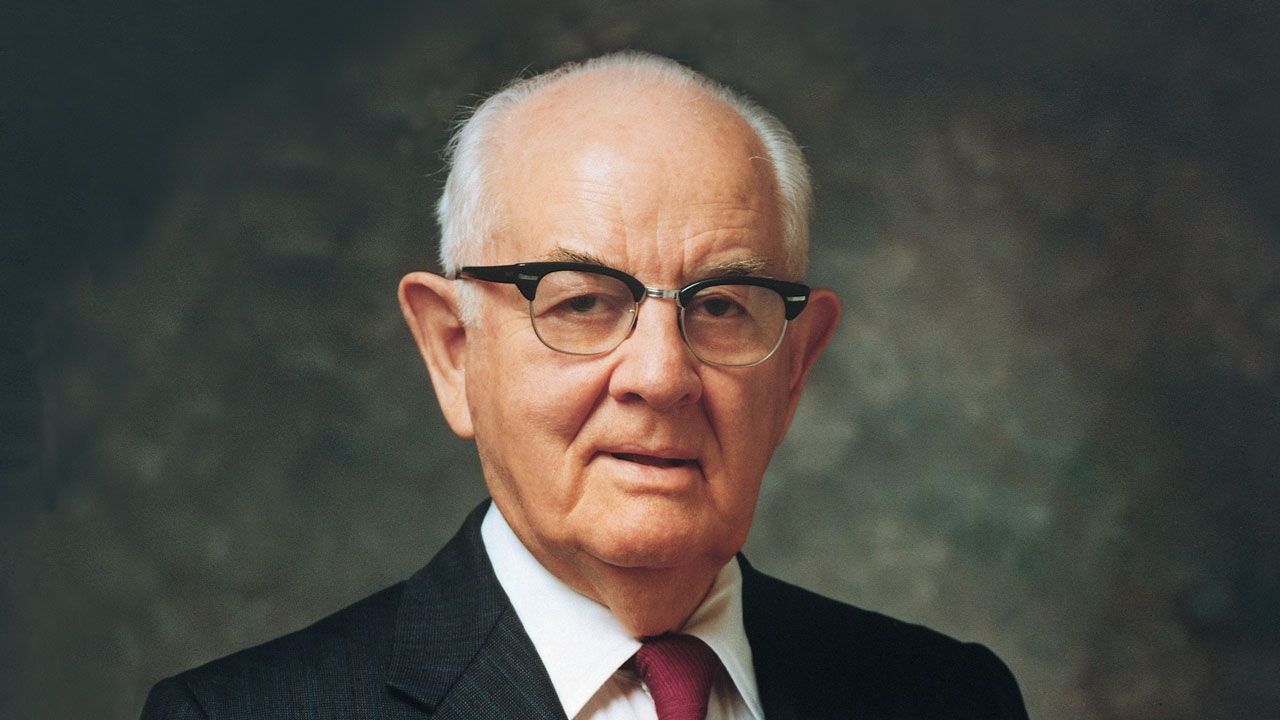
Spencer W. Kimball (Dec. 1973–Nov. 1985)
Spencer W. Kimball’s love for the members of the Church endeared him in the hearts of many. His teachings provided hope to those that were struggling. After much diligent prayer and searching, he received the revelation that allowed all worthy men to hold the priesthood.
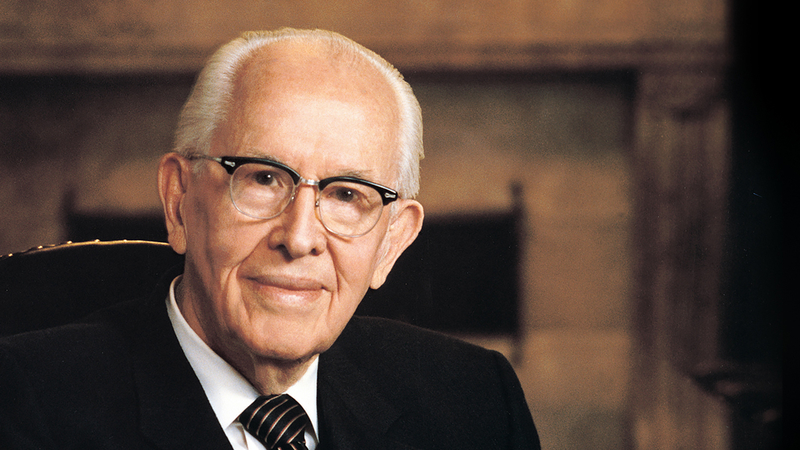
Ezra Taft Benson (Nov. 1985–May 1994)
An early career in agriculture prepared Ezra Taft Benson to, as an Apostle, lead Church relief efforts in Europe after WWII and build relationships for the Church. As prophet, he challenged Latter-day Saints to flood the earth with the Book of Mormon, to heed its warnings against pride, and to let Christ transform their inner natures.
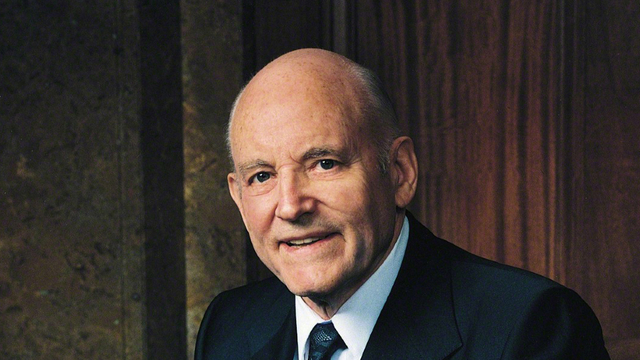
Howard W. Hunter (May 1994–Mar. 1995)
Discover Howard W. Hunter’s devotion to the gospel and love for the temple through the videos and images of his ministry and teachings.
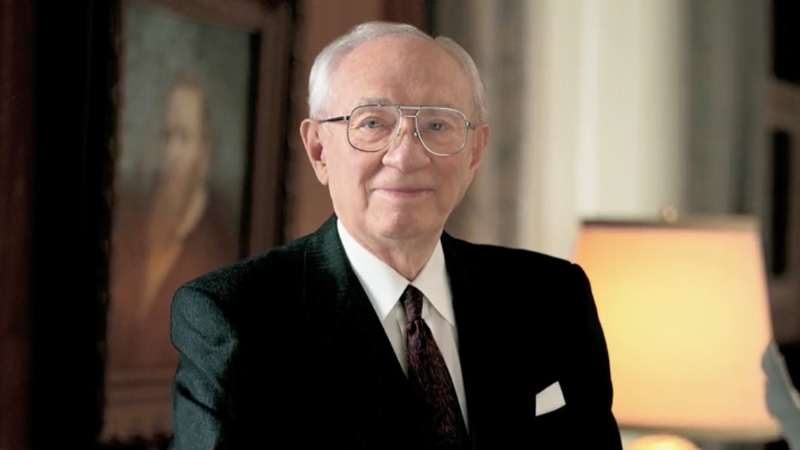
Gordon B. Hinckley (Mar. 1995–Jan. 2008)
Gordon B. Hinckley shared both his optimism and his strong sense of accountability with Latter-day Saints. He worked to bring temples to the Saints, bring the Church out of obscurity, and strengthen the youth.
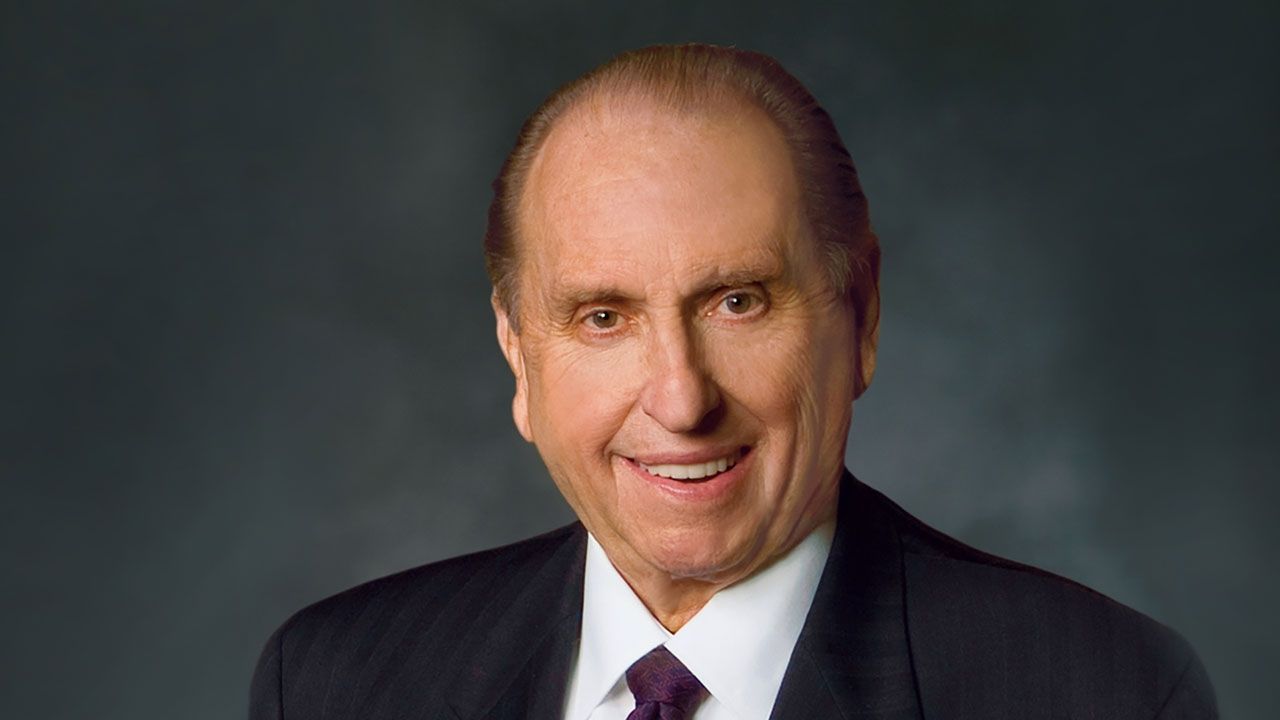
Thomas S. Monson (Jan. 2008–Jan. 2018)
From his childhood, Thomas S. Monson learned to serve and show compassion to those around him. He learned that when prompted by the Spirit, he needed to act upon those promptings. He has blessed the lives of many by showing compassion and listening to the Spirit.
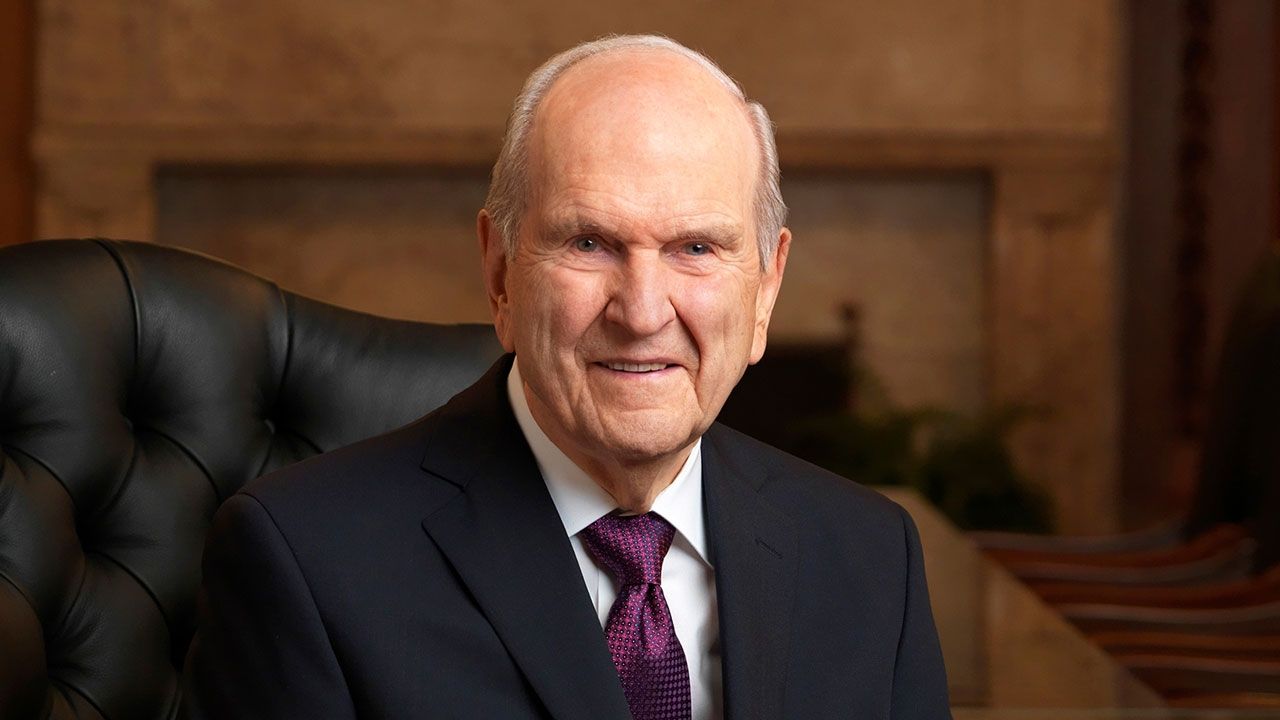
Russell M. Nelson (Jan. 2018–Present)
President Russell M. Nelson was sustained and set apart as the 17th President and prophet of The Church of Jesus Christ of Latter-day Saints on Sunday, January 14, 2018, in the upper room of the Salt Lake Temple. Prior to his service as head of the Church, President Nelson served as President of the Quorum of the Twelve Apostles from July 15, 2015, until his call as the Church’s leader. He has served as a member of that quorum since April 7, 1984.
Experience Church History


Research Church History Collections

Church History Library
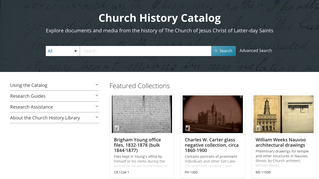
Church History Catalog
Discover the library’s digital collections in a streamlined search and viewing experience developed with input from hundreds of patrons.
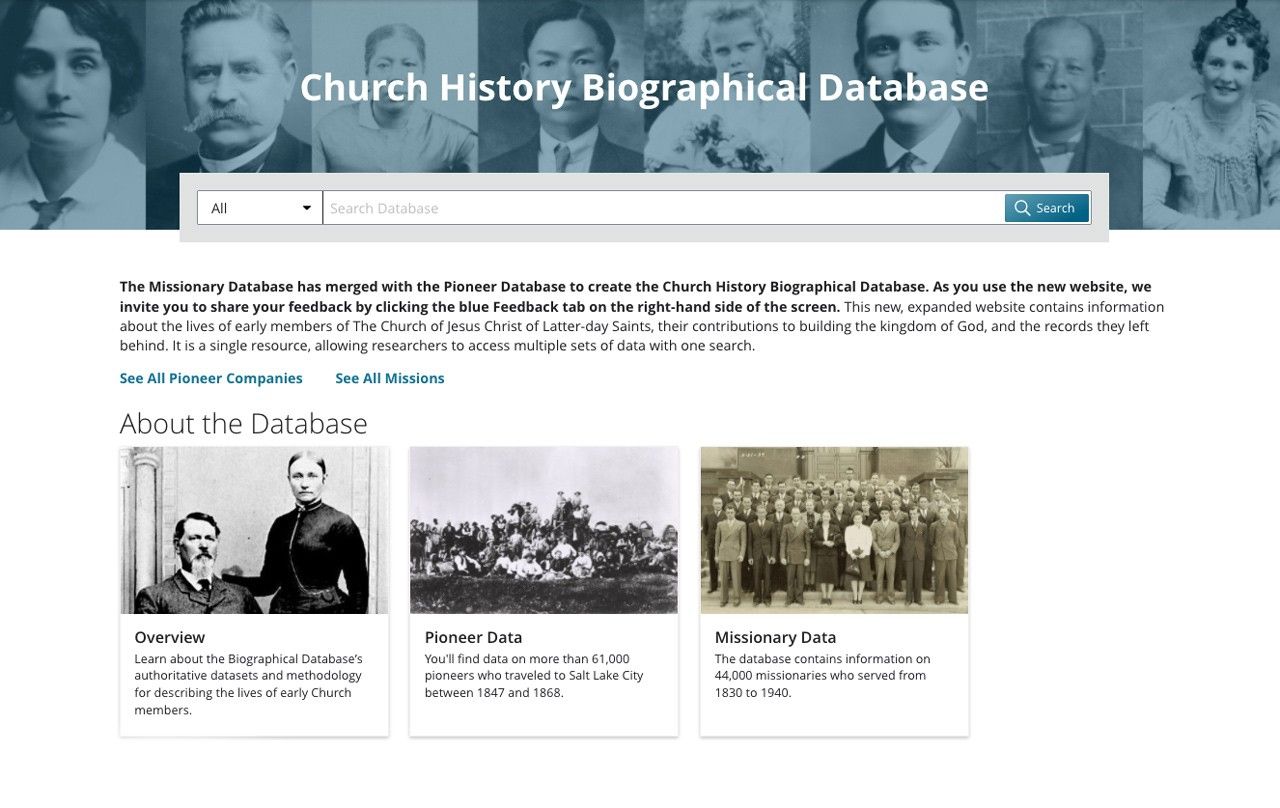
Church History Biographical Database
Search biographical information on more than 100,000 early Latter-day Saints.
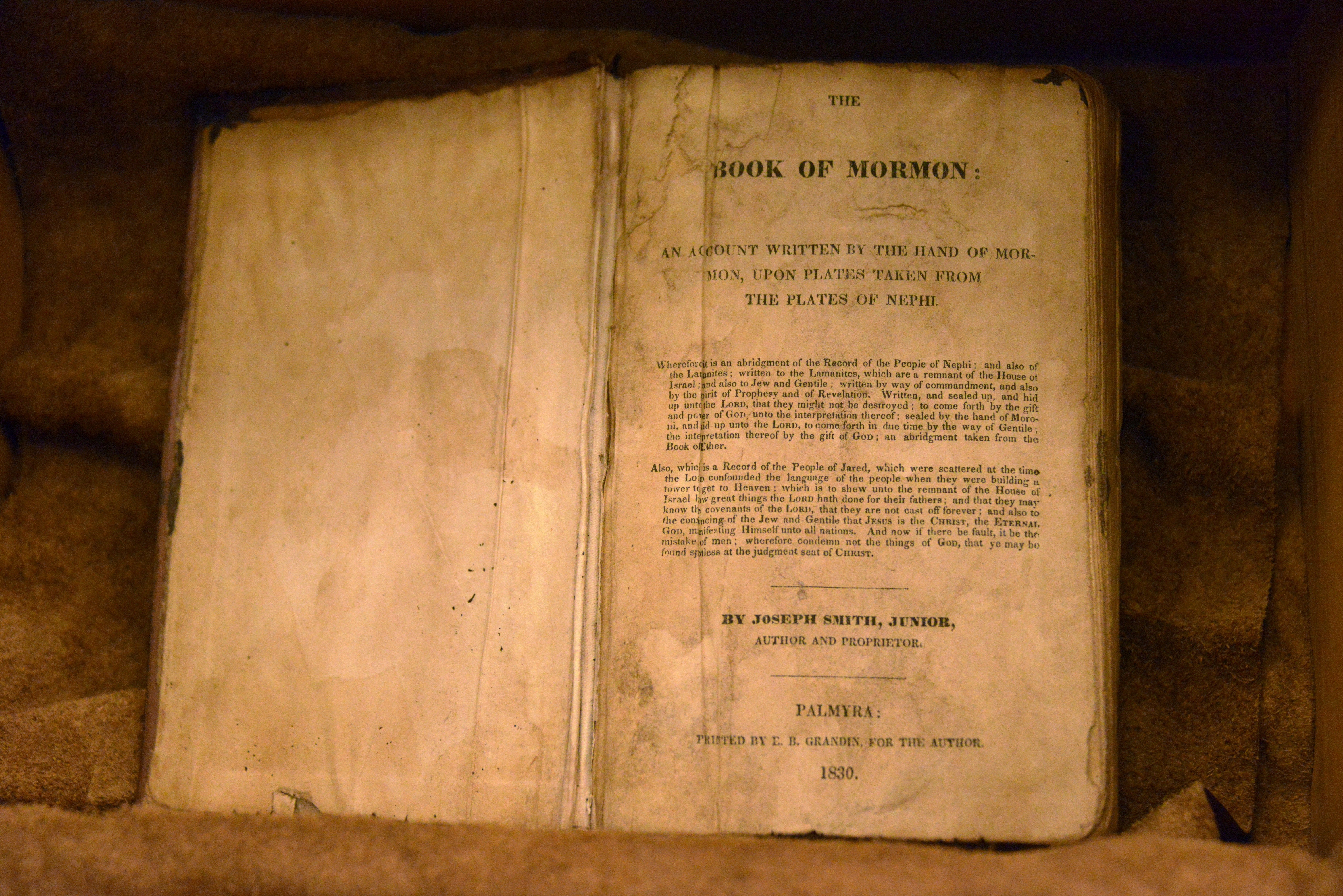
Treasures of the Collection
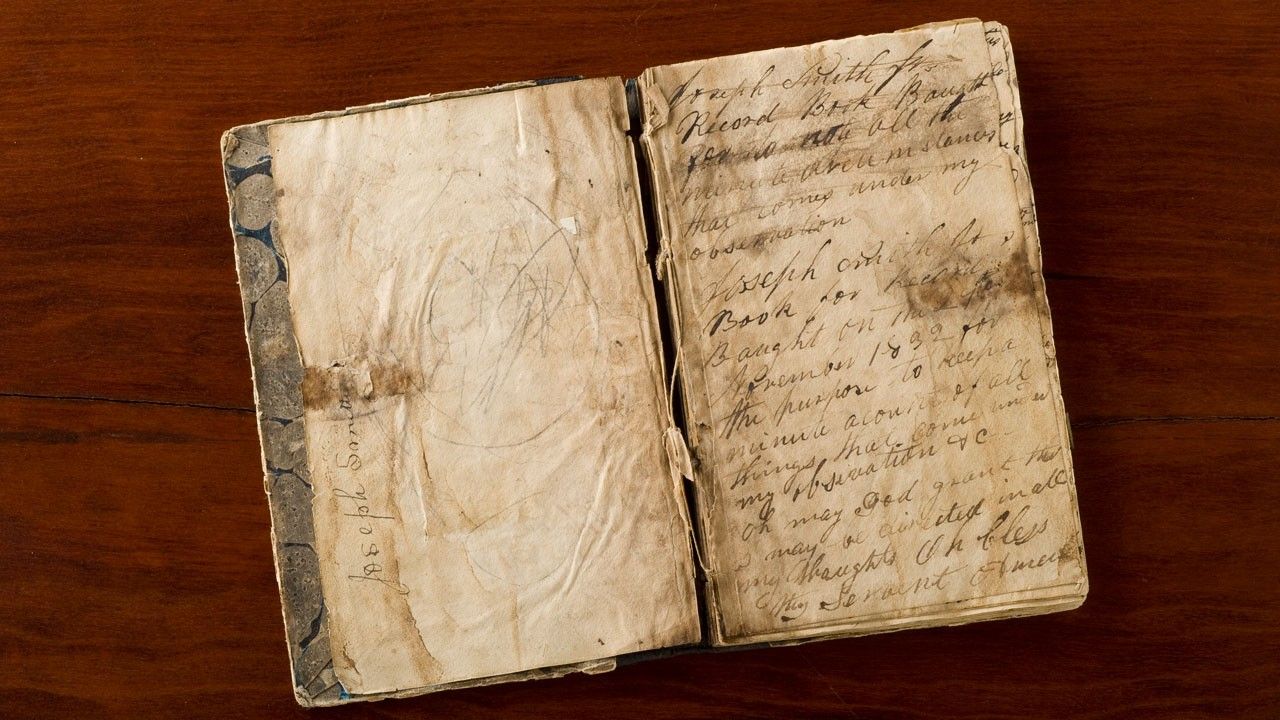
Learn about the many historical treasures in the archives of The Church of Jesus Christ of Latter-day Saints.
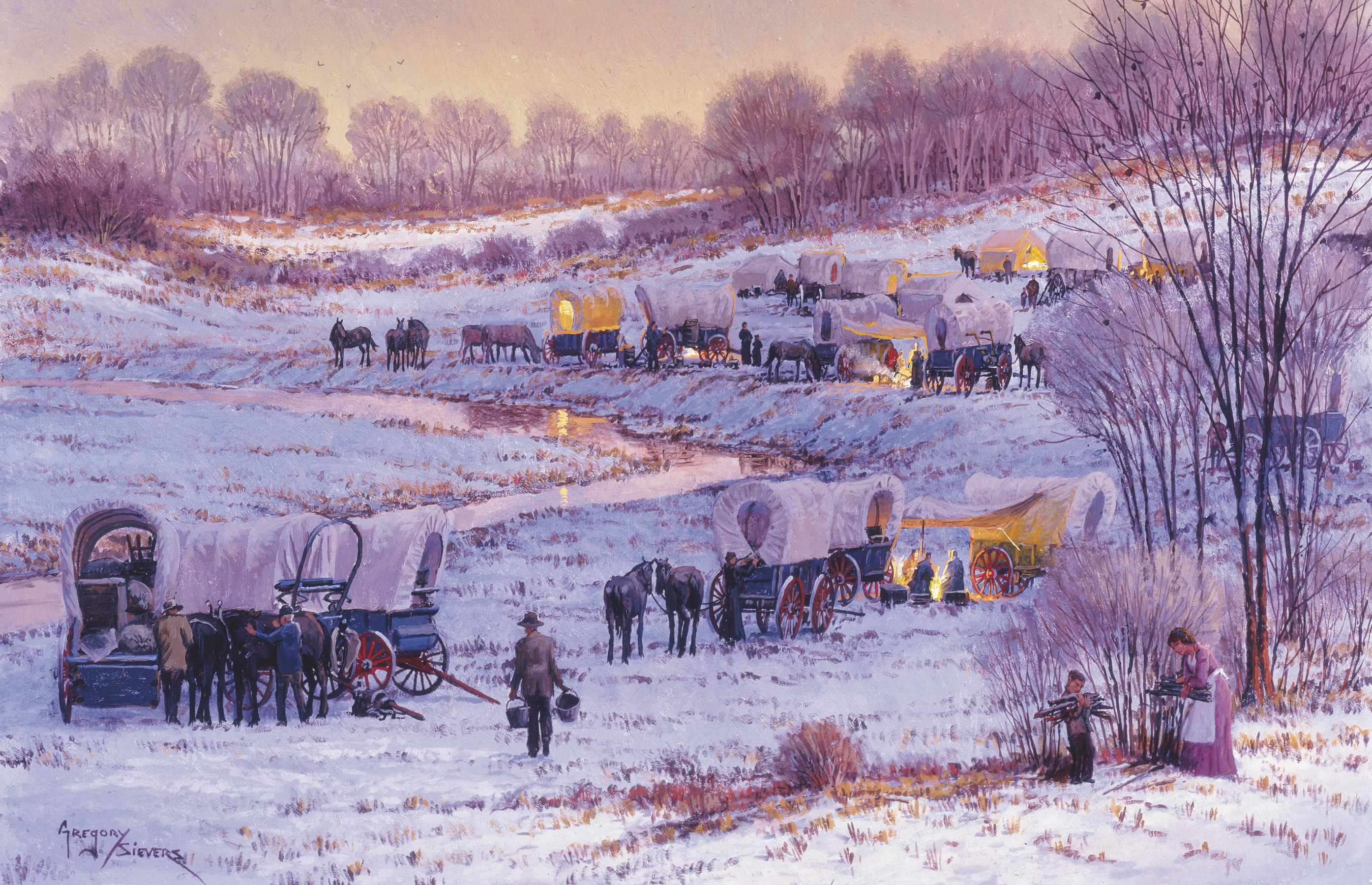
Pioneer Resources
The resources on this page provide a glimpse into the lives of these Mormon pioneers of both yesterday and today.